Make your data yours.
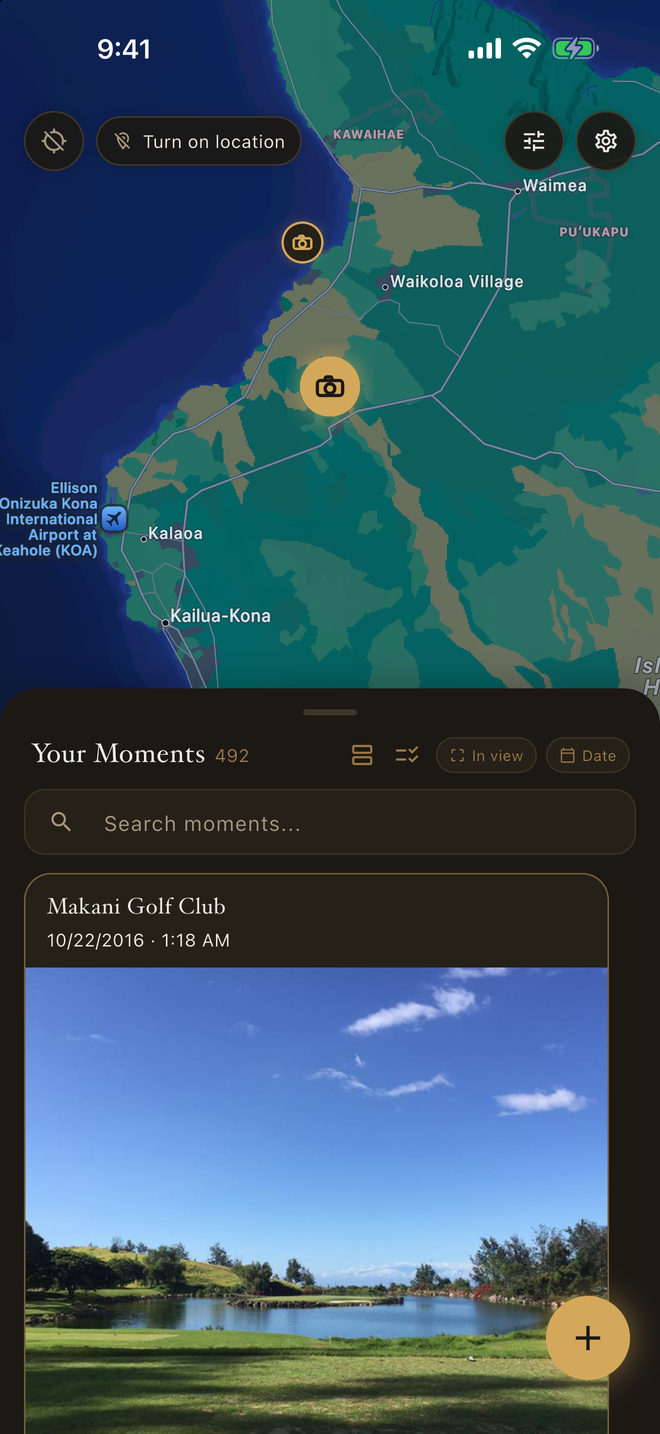
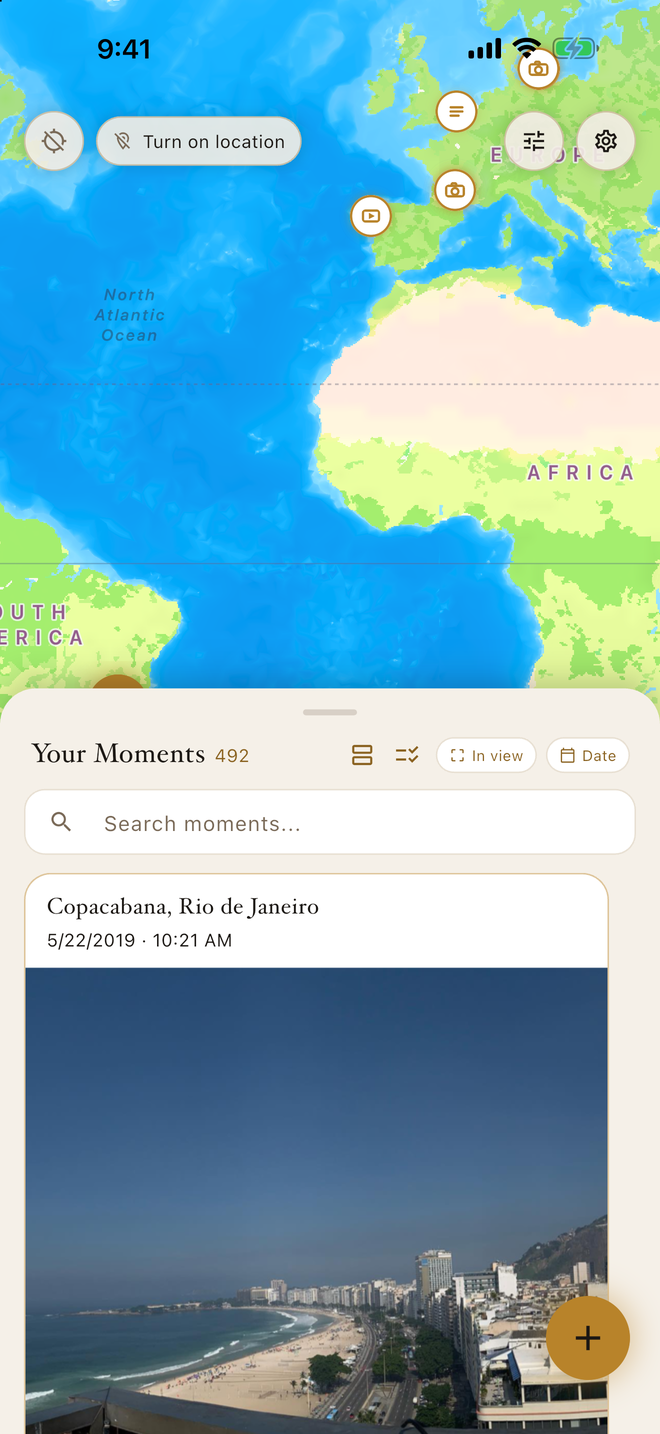
Place & Time is a private journal pinned to the map. A note, a photo, a voice memo, or a short video, saved to exactly where and when it happened — on your phone, in your own iCloud if you choose, never ours.
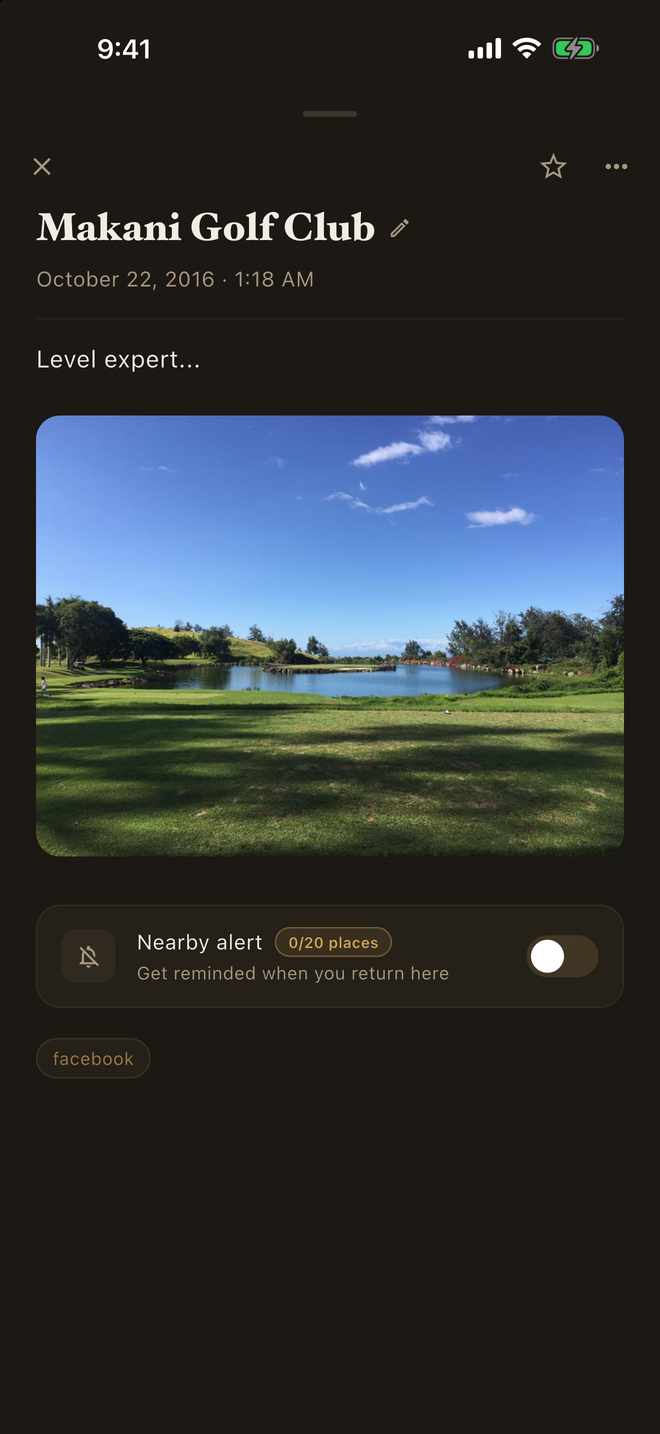
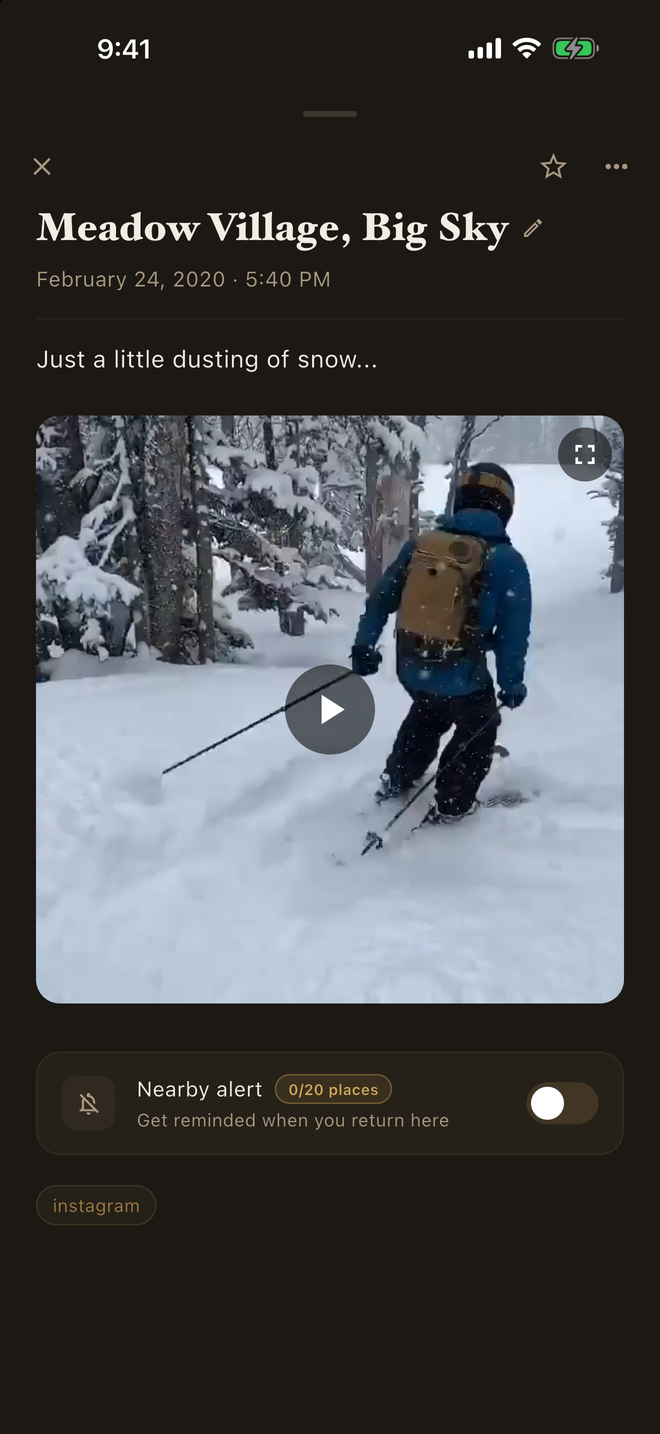
You've downloaded your data. Now experience it on your own terms — no ads, no algorithms. Open the download from Facebook, Instagram, or X in Place & Time and years of your own posts become moments on the same map — captions, dates, and places intact, read on your phone and never sent to us.
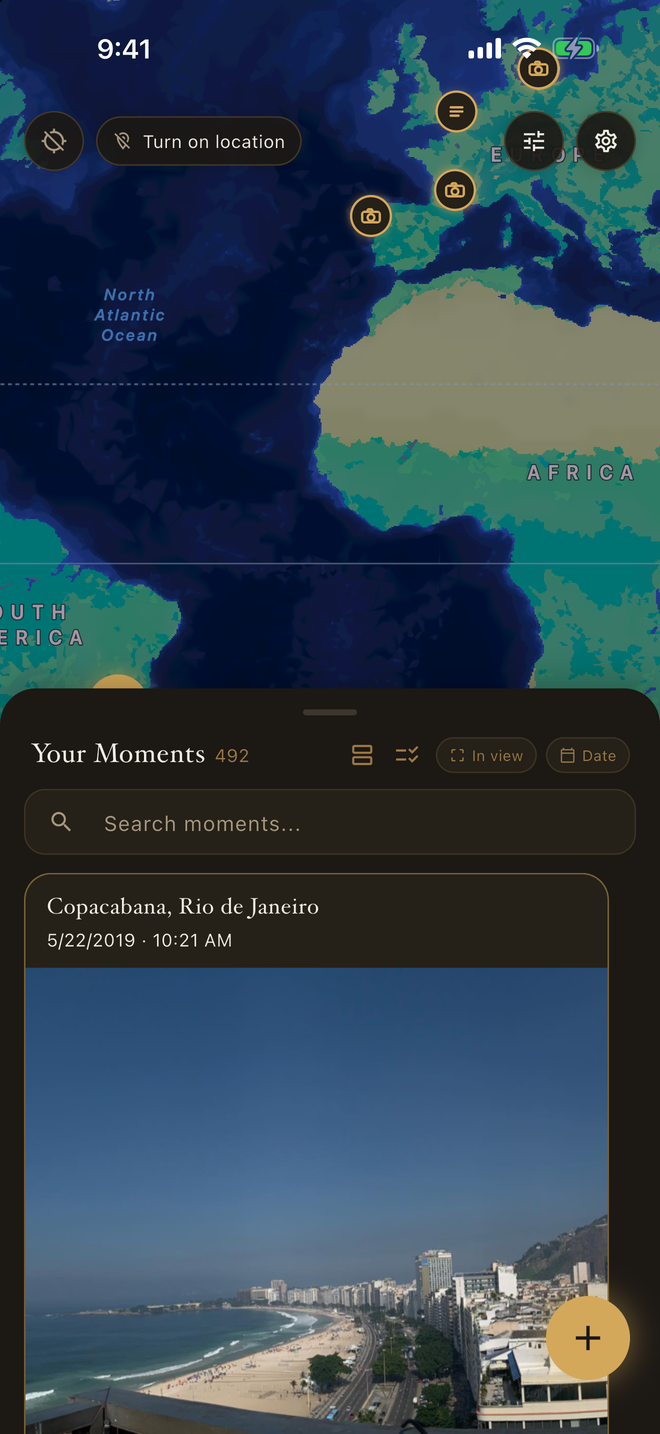
Built to be opened on an ordinary Tuesday, not just once. The time and place are already filled in, so a moment takes seconds to keep — and the map fills in a little more each week.
A last conversation, a first morning, an idea out of nowhere — saved to the exact spot it happened, so returning there brings the whole feeling back.
A whole journey lays itself out on the map. Drop a photo or a few words at each stop while it's fresh, then relive the route long after you're home.
The lowest-friction diary there is: open, write a line, save. The time and place are already filled in, so there's nothing to set up and nothing to skip.
The moments worth keeping don't wait for you to unlock your phone and hunt for an app. Put Place & Time on your Lock Screen, and one tap opens straight into a new moment — the camera ready, the recorder already running, or a blank line to write on — with the time and place filled in.
Pick the buttons you'd actually reach for. Keep the ones you use, leave the rest out.
If you use Face ID lock, it still comes first. Lock Screen and Control Center buttons need iOS 18 or later; the Action Button is on iPhone 15 Pro and later.
Sometimes the camera is already open. Take the photo or the video, or record in Voice Memos, the way you always do. Then tap Share and choose Place & Time. A small card shows where and when it happened, read from the photo itself or from where you are now. Add a line if you like, tap Save, and it's on your map. On your phone, and nowhere else.
Photos, videos, and recordings, one or several at once. Don't see Place & Time in the share row? Scroll to the end, tap More, and turn it on. On Android, Share → Place & Time opens a new moment with it attached.
Then there is the part no other journal has. You've downloaded your data; now experience it on your own terms, with no ads, no algorithms, and no one else's posts in the way. Every platform will give you what you've posted. The zip is yours in name, but it was never meant to be opened. Place & Time reads it on your phone and lays your own posts out as moments — each with its caption, its date, and the place you tagged. Nothing is sent to us or anyone; it leaves your phone only if you turn on your own iCloud backup. Yours in fact, not just on paper.
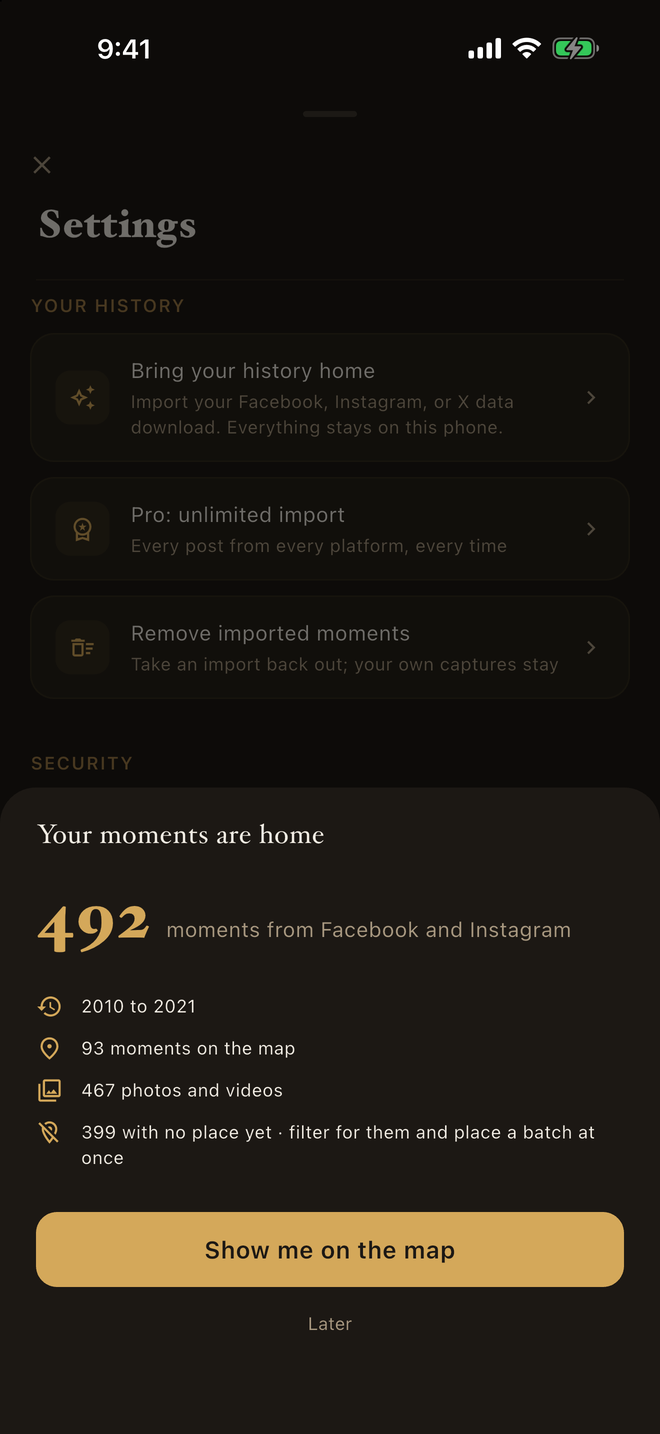
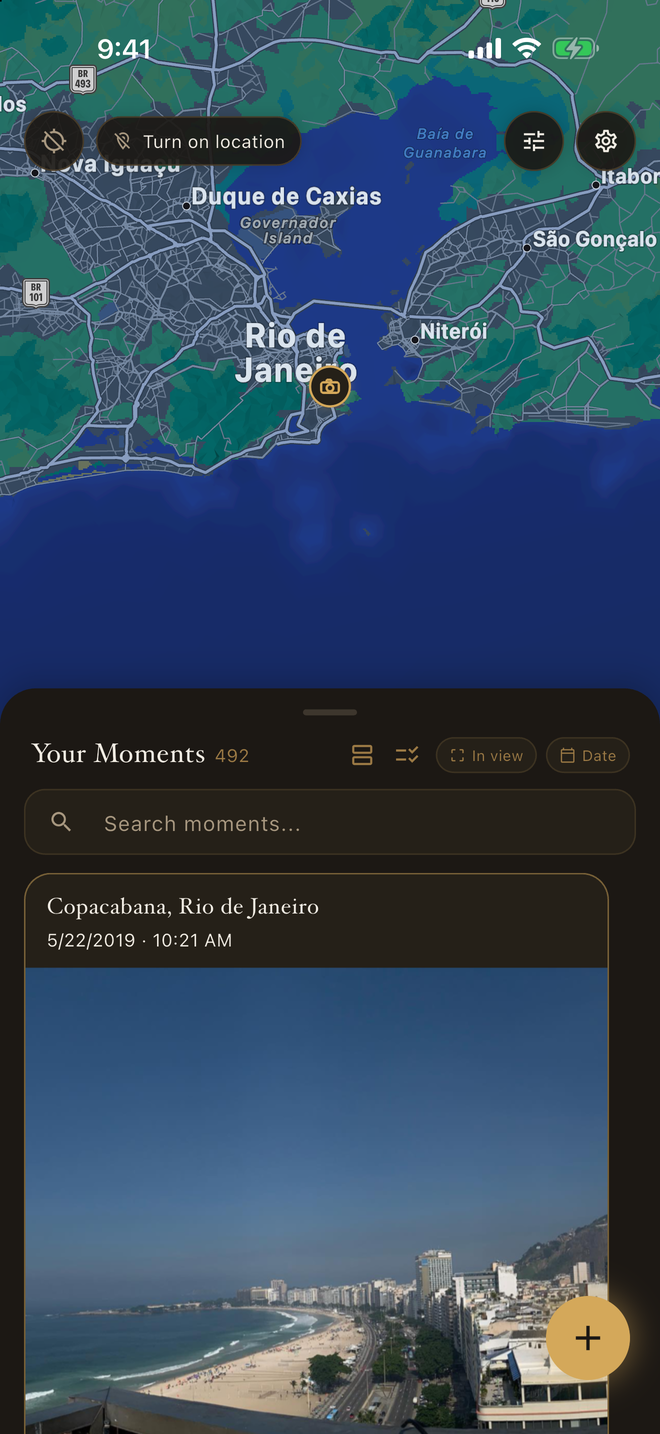
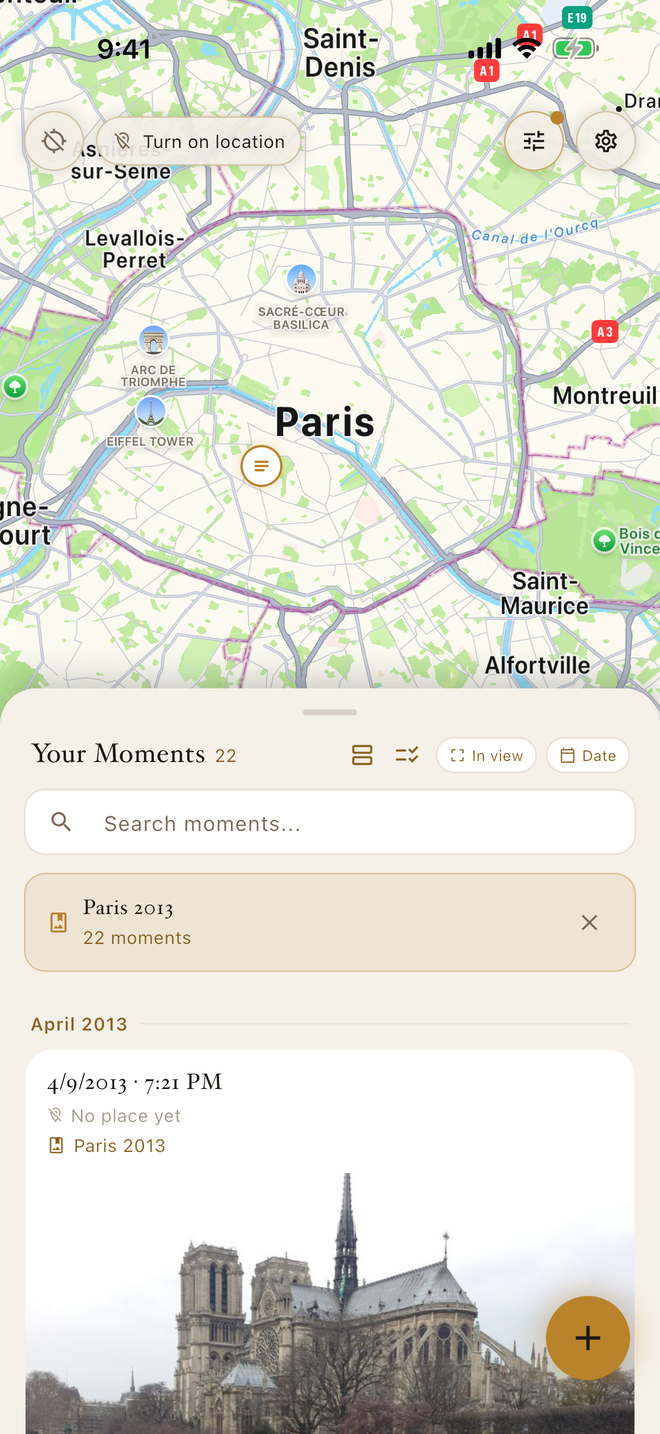
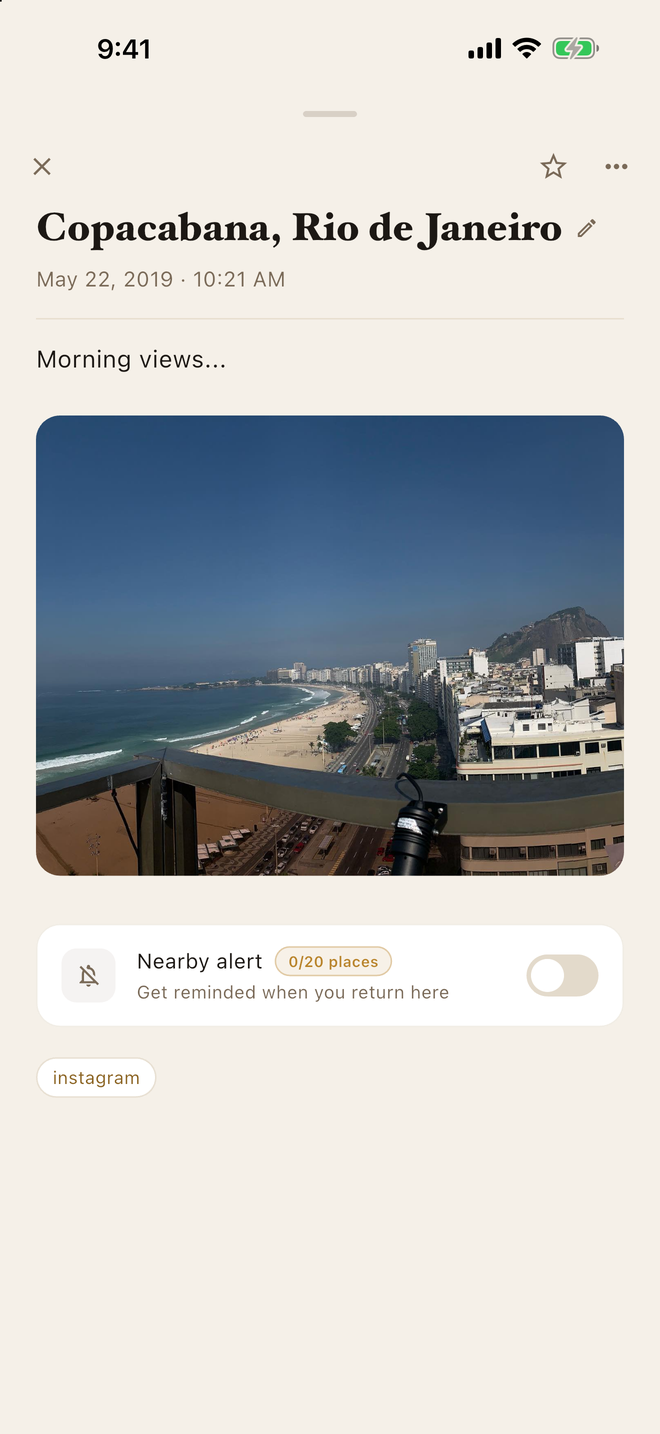
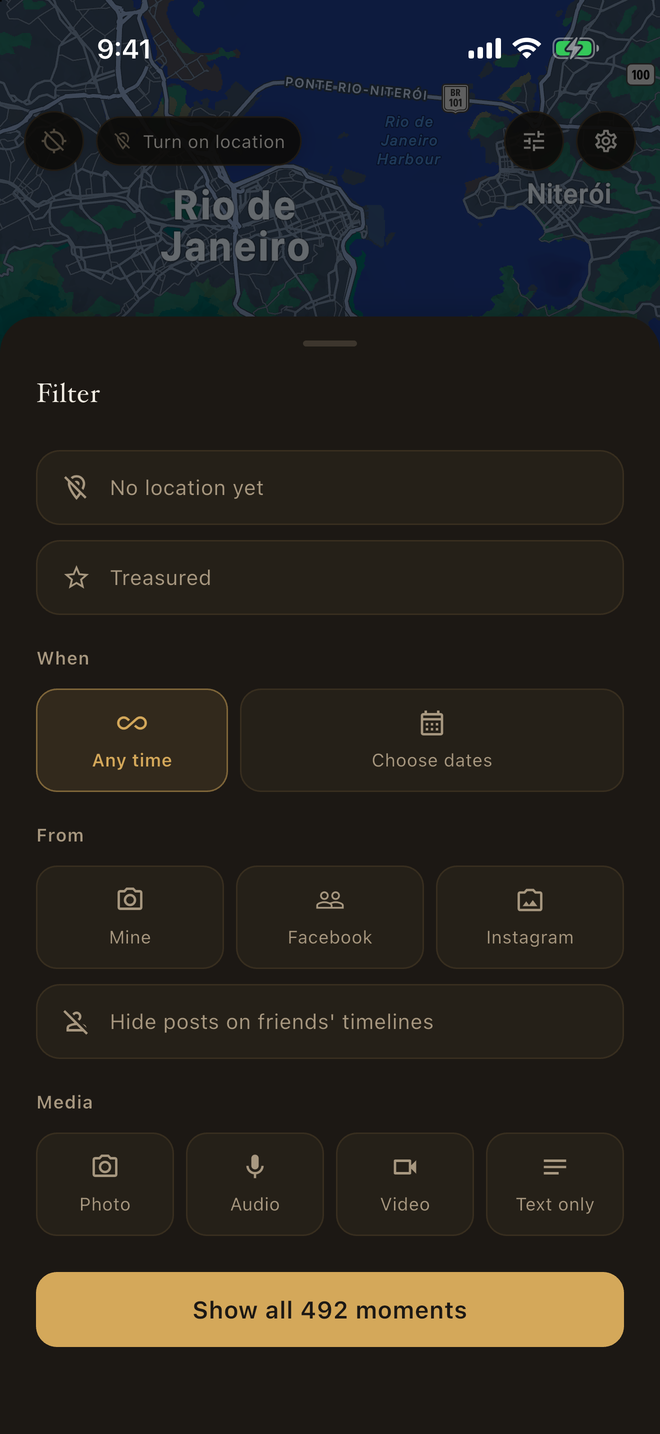
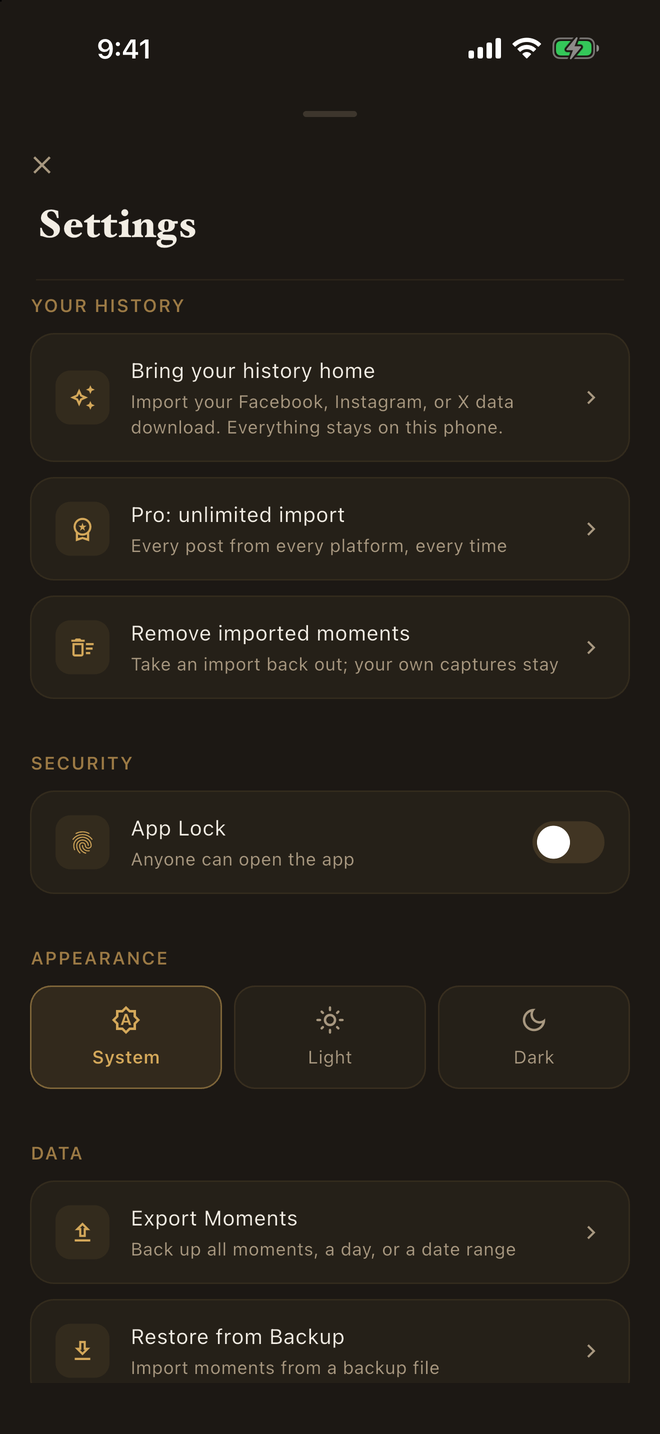
- Your own posts, photos, and videos, with captions and dates, and the events you created. Comments, likes, and other people's posts stay behind.
- Everything in one place. Posts from Facebook, Instagram, and X settle into one timeline and one map, each marked with where it came from.
- Posts you tagged with a place land on the map. Platforms strip location from photos, so untagged ones arrive as “No place yet” — select a batch and place them in one go.
- Album names come along, so a trip reads as one set.
- Posts you wrote on a friend's timeline are kept and marked, in case you'd rather leave them out.
- Bring a newer download any time. Nothing is imported twice.
- Facebook downloads made before mid-2018 use an older layout we can’t read yet. A fresh download works, and it includes your posts from every year.
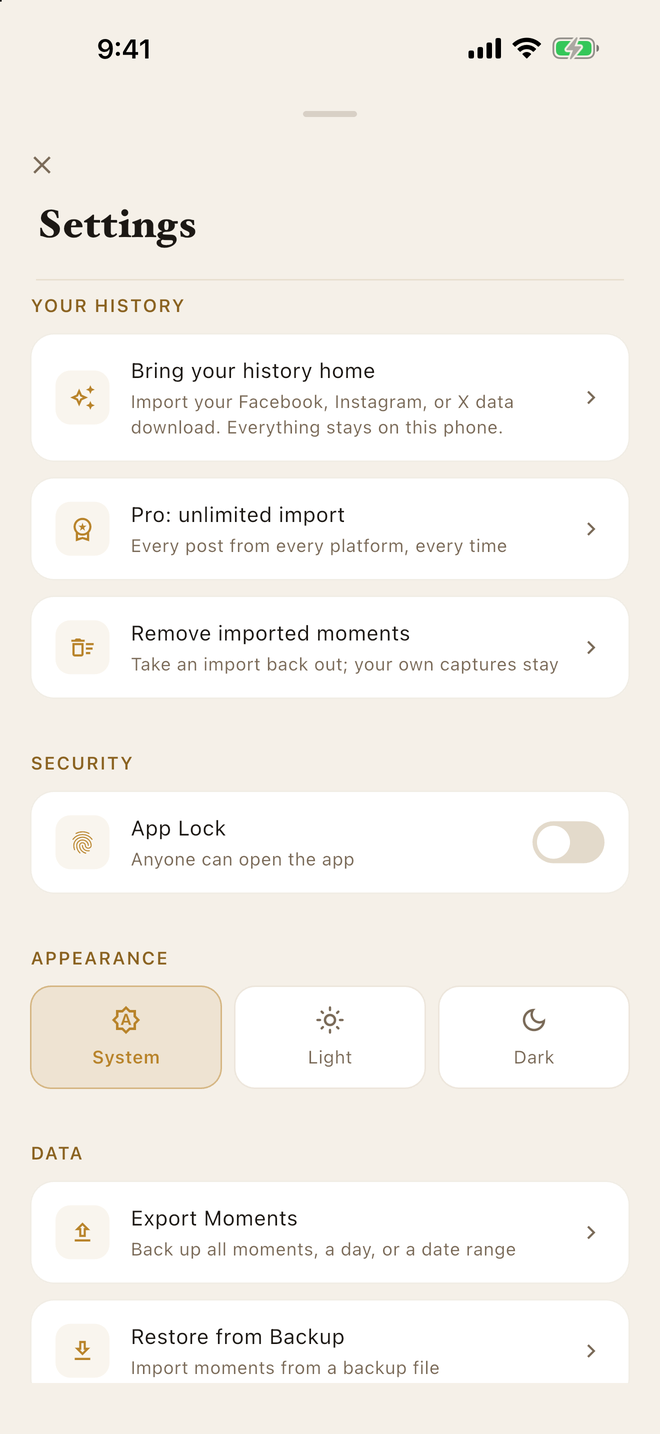
Start there, and see how your download comes through. Then one unlock brings in everything — every post, every platform, every future download. $4.99, once. Launch price. No subscription.
The journal itself is free, with no limit on moments. Capture, export, and backup stay free. The unlock is only for bringing in everything you have posted.
No analytics, no tracking, no third-party SDKs, no accounts. We never see your data: it lives on your phone and, if you choose, in your own iCloud. Never ours, never analyzed, never resurfaced without you.
Place & Time is launching on iPhone (iOS 15 or later). A quiet, private journal pinned to the map — for the moments ahead, and for the data that was always yours.